
Writing / enterprise ai architecture
Why Your Integration Layer Matters More Than Your AI Model
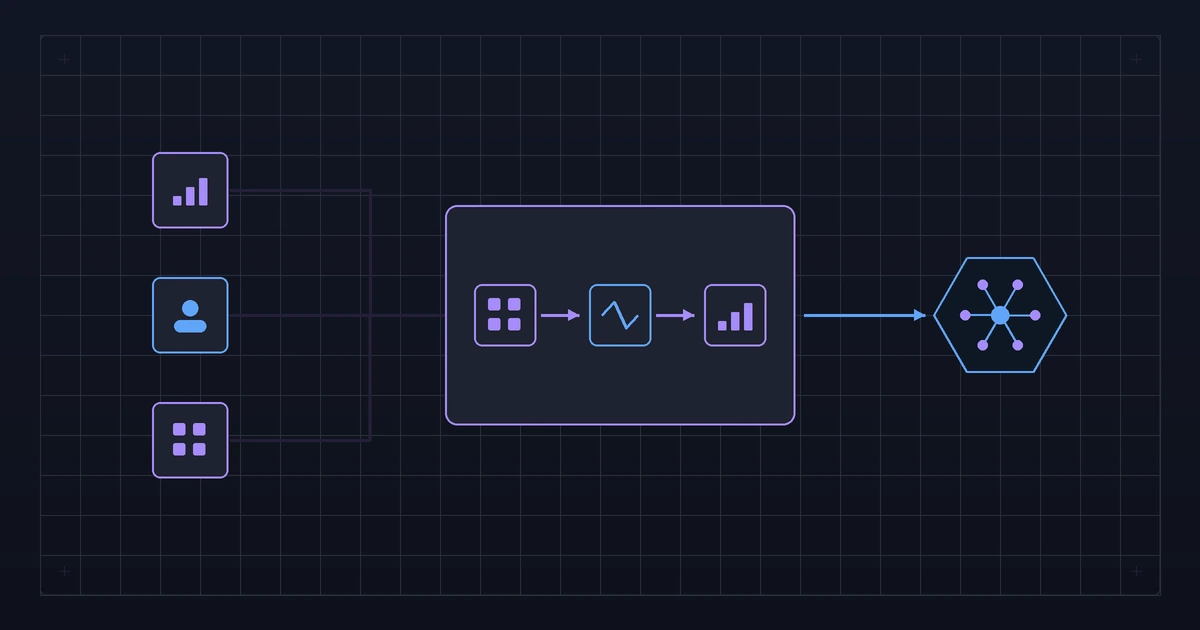
The most expensive lesson in enterprise AI is that the model is usually the easy part.
A data science team builds a model that predicts customer churn with ninety-two per cent accuracy in a Jupyter notebook. Everyone celebrates. Then someone asks: how does this model get fresh data from the CRM every day, return scores to the customer success team's dashboard, and trigger an alert in the support system when a high-value customer crosses a threshold?
That is the integration problem. It is where most enterprise AI projects stall, not because the model failed but because the organisation could not wire it into the systems where work actually happens.
This piece is for CTOs, enterprise architects and heads of data who are trying to move AI from pilot to production and keep hitting integration walls.
The short version
Enterprise AI projects fail more often on integration than on model performance. The integration layer — how the model gets data in and pushes decisions out — determines whether a model delivers business value or remains a demonstration.
- Most AI pilot-to-production failures are integration failures, not model failures.
- Design the integration architecture before building the model.
- The model needs three things: a data pipeline in, a decision path out, and a feedback loop back.
- Legacy system integration is the hardest part and cannot be skipped.
- Budget twice as much time for integration as for model development.
This article sits inside the ai and enterprise solutions architecture cluster, where the wider argument is set out in full.
The pilot-to-production gap
Industry surveys consistently find that most AI pilots do not reach production. The reasons cited vary — lack of executive support, unclear business case, data quality issues — but in my experience, the most common practical blocker is integration.
The pilot works because a data scientist manually prepared a dataset, ran the model on a laptop, and presented the results in a slide deck. Moving to production means:
- The model must receive fresh data automatically, daily or in real time.
- The model's output must appear where decision-makers work — in their dashboard, their CRM, their workflow tool — not in a separate application they have to remember to check.
- Incorrect predictions must be flagged and fed back to improve the model.
Each of these requires integration with existing enterprise systems, most of which were not designed for real-time data exchange with machine learning models. The CRM has a batch export, not a streaming API. The legacy billing system uses flat files. The customer success dashboard is a spreadsheet someone updates weekly.
Solving these integration problems is unglamorous, time-consuming work. It does not appear in vendor demos or conference keynotes. But it is the work that determines whether AI delivers value.
Should your organisation do this now?
- Yes, if you have AI models that work in a test environment but are not in production.
- Not yet, if you have not selected your first AI use case.
- Instead, first: use the use-case register to identify your first production candidate.
- Measure it by: time from model completion to production deployment.
The three components of an AI integration layer
Every AI model in production needs three integration components:
1. Data pipeline in
The model needs clean, current data from source systems. This is not a one-time data preparation exercise. It is a pipeline that runs continuously, handles missing data, monitors data quality, and alerts when the incoming data looks different from what the model was trained on.
Key decisions:
- Batch or real-time? A churn prediction model that runs daily can use batch data. A fraud detection model needs data in milliseconds. The architecture is fundamentally different.
- How much transformation? Raw operational data rarely matches what the model expects. Feature engineering — the transformation of raw data into model inputs — must run reliably in production, not just in a notebook.
- What about data drift? The distribution of incoming data changes over time. A pipeline that monitors for drift and alerts when the data no longer looks like the training data is essential for catching model degradation early.
2. Decision path out
The model produces a prediction or a score. That output must reach the person or system that acts on it. This is where most integration efforts underestimate the complexity.
Options, in order of increasing difficulty:
- Dashboard. The model's output is displayed in a BI tool. Easiest to build, but requires the user to look at the dashboard and act on what they see.
- Embedded in workflow. The model's output appears inside the tool the user already works in — a CRM field, an ERP approval screen, a support ticket priority. Harder to build, but dramatically higher adoption because the user does not change their behaviour.
- Automated action. The model's output triggers an action without human intervention — an email, a task creation, a routing decision. Highest impact but requires the most confidence in model accuracy and robust error handling.
Most organisations should start with embedded-in-workflow and add automated actions only for well-understood, high-confidence scenarios.
3. Feedback loop back
Every model in production needs a mechanism to learn whether its predictions were correct. Without feedback, you do not know if the model is degrading, and you cannot improve it.
The feedback loop connects the model's prediction to the actual outcome:
- The churn model predicted this customer would leave. Did they?
- The fraud model flagged this transaction. Was it actually fraudulent?
- The demand forecast predicted this quantity. What was the actual demand?
This data flows back to the data science team for model retraining and to the monitoring system for performance tracking.
Legacy systems are the hard part
Enterprise AI does not exist in a greenfield environment. It exists alongside ERP systems that are fifteen years old, mainframes that run COBOL, and databases that predate the concept of an API.
Integrating AI models with these systems requires approaches that AI literature rarely discusses:
File-based integration. Many legacy systems export data as flat files — CSV, fixed-width text, XML. The AI pipeline must consume these files, handle format inconsistencies, and deal with delayed or missing exports. This is not elegant, but it is real.
Database replication. Reading directly from a legacy database is sometimes the only option. This requires understanding schemas that were designed decades ago, with field names like CUST_TYP_CD and business logic embedded in stored procedures.
Screen scraping. Some legacy systems have no API, no file export and no accessible database. The only way to get data out is to read it from the application's screens. I do not recommend this, but I have seen organisations use it when all other options are exhausted.
Change Data Capture. For systems that support it, CDC provides a stream of changes without the overhead of full data extraction. This is the best option when available, but older systems often do not support it.
The point is not that legacy integration is impossibly hard. It is that it requires specific skills, takes longer than anyone estimates, and is the bottleneck that determines whether AI reaches production.
Should your organisation do this now?
- Yes, if your AI production timeline does not include integration time.
- Not yet, if you have not mapped the source systems for your target use case.
- Instead, first: list every system the model needs data from and how data currently comes out of it.
- Measure it by: days from model completion to first production prediction.
Before you build the model
Checklist:
- Source systems identified for all model inputs, with data extraction method confirmed.
- Data pipeline architecture designed: batch or real-time, transformation logic, drift monitoring.
- Decision path designed: where the model's output will appear and how users will act on it.
- Feedback loop designed: how outcomes will be captured and returned.
- Integration effort estimated at minimum two times the model development effort.
- Legacy system constraints documented, including API availability and data format.
Questions to ask:
- Your data science team: can the model's feature engineering run in production, or is it notebook-only?
- Your integration team: how does data currently come out of the source systems, and how current is it?
- Your operations team: where do you want to see the model's output, and what would you do with it?
- Your IT team: what are the constraints of the legacy systems involved?
- Your architecture team: do we have a reusable integration pattern, or is every model integration built from scratch?
How to measure it
- Integration readiness. Percentage of AI use cases with a designed integration architecture before model development starts. Baseline: current state. Owner: enterprise architecture. Review: quarterly. Leading.
- Pilot-to-production time. Calendar days from model completion to first production prediction. Baseline: current projects. Owner: AI programme lead. Review: per project. Leading.
- Pipeline reliability. Percentage of scheduled data pipeline runs that complete successfully. Baseline: first month. Owner: data engineering. Review: weekly. Leading.
- Feedback loop coverage. Percentage of production models with an active feedback loop. Baseline: first audit. Owner: data science lead. Review: quarterly. Leading.
- Model utilisation. Percentage of model predictions that are viewed or acted upon by users. Baseline: first month in production. Owner: product owner. Review: monthly. Lagging.
Mistakes that cost the most
Building the model first
The team spends six months on the model and two weeks on integration.
- Why it happens: data scientists are hired to build models, not pipelines.
- Prevention: require integration architecture sign-off before model development.
- Early warning: the project plan has "integration" as a single line item.
Building a separate AI application
The model's output lives in its own dashboard that users must visit separately.
- Why it happens: embedding output in existing tools requires integration effort.
- Prevention: design for embedded output from the start.
- Early warning: adoption is low despite model accuracy being high.
No feedback mechanism
The model runs in production but nobody checks whether its predictions are correct.
- Why it happens: the project was funded to deploy the model, not monitor it.
- Prevention: include feedback loop in the production requirements.
- Early warning: model has been in production for six months with no retraining.
What to do next
Pick your next AI use case and map the integration architecture before the model development starts. Document the data pipeline in, the decision path out and the feedback loop. Then read the related piece on building a use-case register and the enterprise AI architecture topic page.
Last reviewed: 14 October 2026.
Views are my own and do not represent my employer.